
QR Code Reader and Ups Scanner4.4 - App Store
You'll be able to see results in few seconds.
Publisher Description
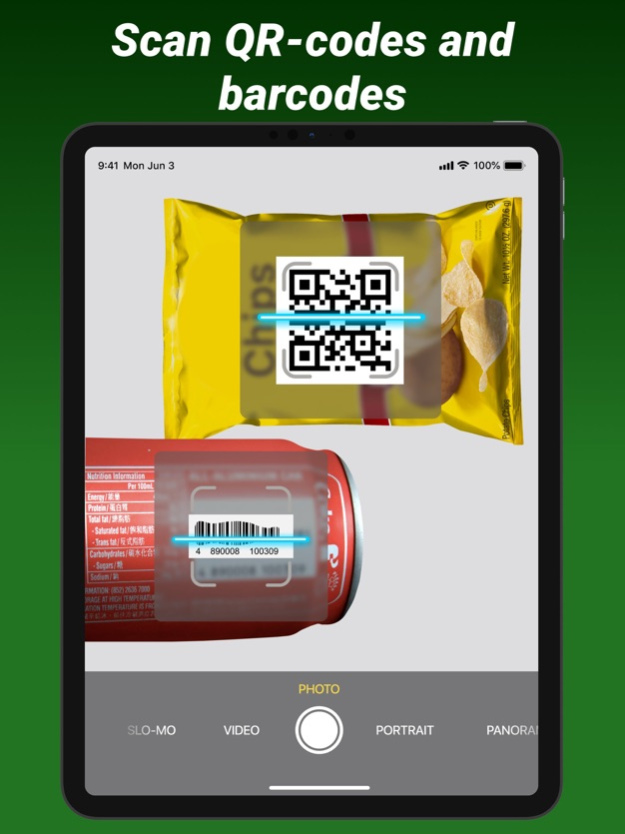
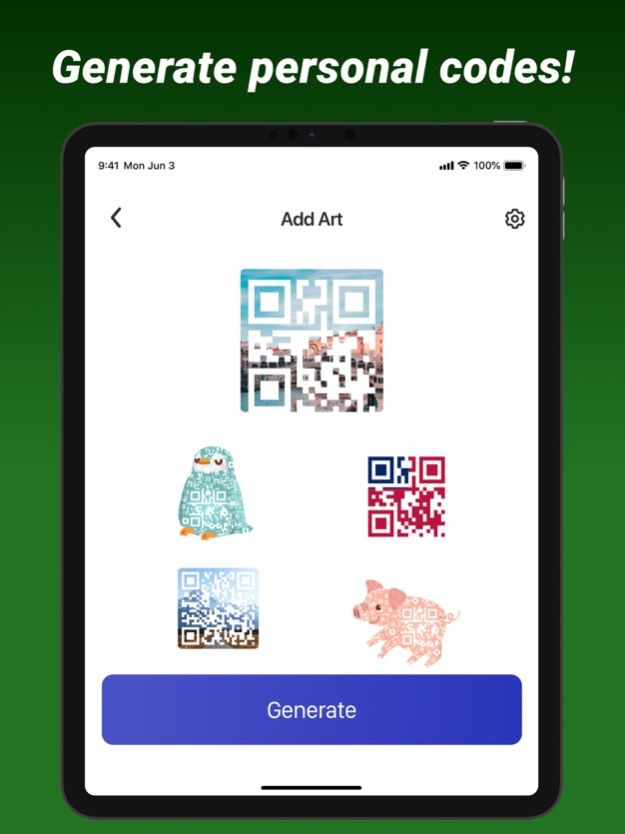
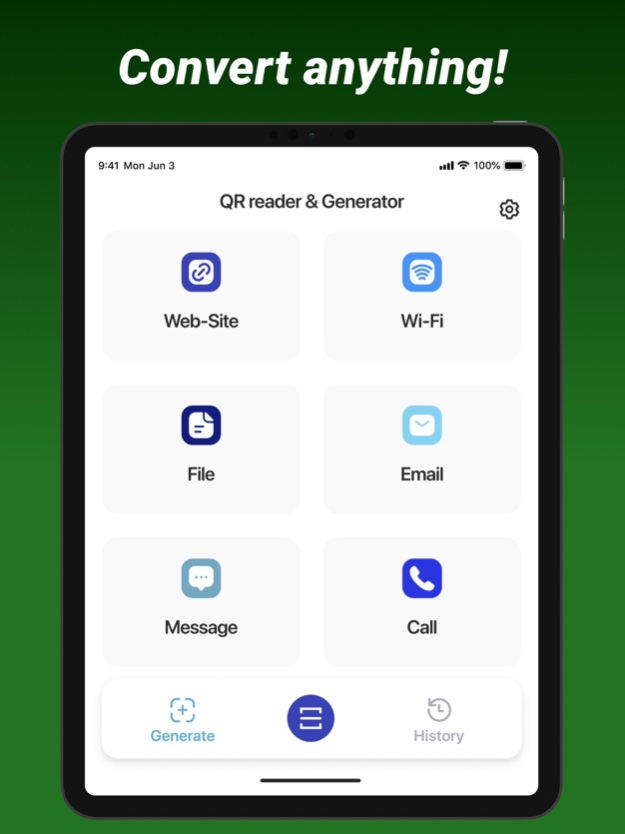
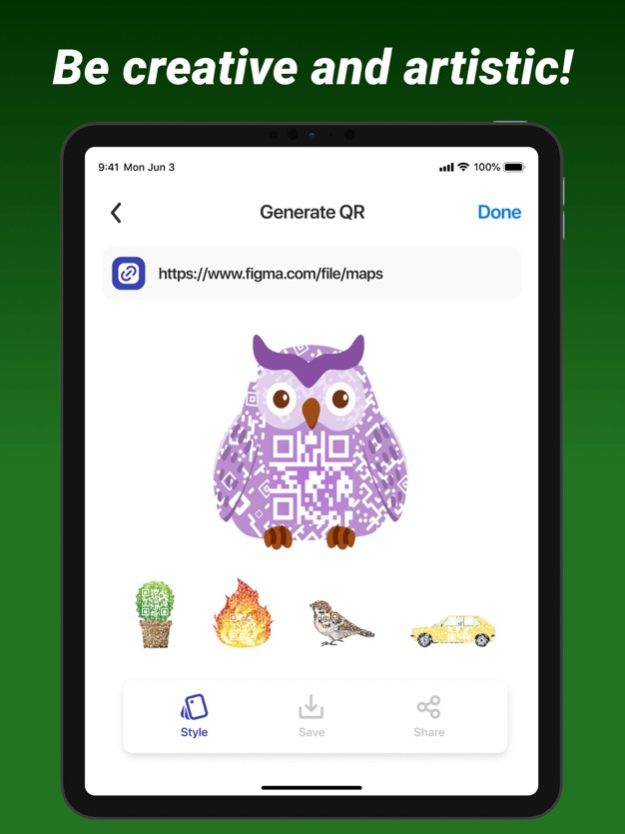
The program is a modern QR and barcode scanner with all the necessary features. Using your phone’s camera, this app automatically scans and recognizes information and supports all major barcode and QR code formats.
Read any codes with information about contacts, products, URLs, Wi-Fi networks, texts, videos, books, emails, places! After scanning and automatic decoding, the user is presented with the appropriate options for the particular type and can take appropriate action. For example, he can visit a website, connect to WiFi without entering a password, or simply search for a product on the Internet. This is a great opportunity to instantly check the accuracy of information through the application on your smartphone. You can create your own QR codes online for free and share them with your friends on social networks. As soon as a person scans your code, he will immediately be redirected directly to your website or account. It’s simple and fast! Turn your smartphone into a powerful scanner. Import, create, use and share data easily!
PREMIUM Functions:
Recognition of all types of QR codes
Getting all information from barcodes
Scan History
Unlimited scanning
App doesn’t contain free content. You need to subscribe to use it.
With Premium subscription you will get access to all features like:
Cropping and cutting video. Cut and trim video to the desired length.
Combine videos into one. Combine videos without losing quality.
Filters and effects. Add beautiful video filters to your videos. Adjust brightness, contrast, saturation and more.
Ability to add sound. Add your voice to the video. Just record your voice right in the app.
Ability to blur the background on the video.
*App doesn’t include free content and you need to subscribe to use it
*Subscription payments will be charged to your iTunes account at confirmation of your purchase.
*Subscriptions will automatically renew and payment will be charged to your iTunes account unless auto-renew is turned off at least 24 hours prior to the end of the current period. The cost of the renewal depends on your Subscription Plan. Our standard Subscription Plans are:
1-week Subscription ($4.99)
For other currencies, the price corresponds to the same price tier on the App Store Pricing Matrix.
*Subscription with a free trial period will automatically renew to a paid subscription. You can cancel or manage your free trial’s auto-renewal in your Account Settings after purchase. The cancellation will take effect 24-hours after the last day of the current subscription period and you will be downgraded to the free service.
*Please note: any unused portion of a free trial period of 3 days(if offered) will be forfeited when you purchase a premium subscription during the free trial period.
*For any other information please read our privacy policy and terms of use
Privacy Policy: https://docs.google.com/document/d/1AI1X0-p7mtVZ2Pt5eUU9nbvaSQAkE2Ik4RYcKNK9Uq0/edit?usp=sharing
Terms of Use: https://docs.google.com/document/d/1VRIAMbu76E49iN1c6cusWls1LpBHdYqxlE5UjEfsod8/edit?usp=sharing
Oct 24, 2023
Version 4.4
This new version provides improved features for use:
1. Multi-Format Scanning: Recognize and decode various types of QR codes and barcodes, including UPC, EAN, ISBN, and more. 2. Batch Scanning: Allow users to scan multiple QR codes or barcodes in a single session. 3. History and Favorites: Keep a history of scanned codes and allow users to mark favorites for quick access. 4. QR Code Generation: Provide the ability to generate QR codes with custom content, such as URLs, contact information, and Wi-Fi credentials. 5. Auto-Detection: Automatically detect and focus on QR codes or barcodes in the camera viewfinder.
About QR Code Reader and Ups Scanner
The company that develops QR Code Reader and Ups Scanner is Maksym Tokhtaryts. The latest version released by its developer is 4.4.
To install QR Code Reader and Ups Scanner on your iOS device, just click the green Continue To App button above to start the installation process. The app is listed on our website since 2023-10-24 and was downloaded 0 times. We have already checked if the download link is safe, however for your own protection we recommend that you scan the downloaded app with your antivirus. Your antivirus may detect the QR Code Reader and Ups Scanner as malware if the download link is broken.
How to install QR Code Reader and Ups Scanner on your iOS device:
- Click on the Continue To App button on our website. This will redirect you to the App Store.
- Once the QR Code Reader and Ups Scanner is shown in the iTunes listing of your iOS device, you can start its download and installation. Tap on the GET button to the right of the app to start downloading it.
- If you are not logged-in the iOS appstore app, you'll be prompted for your your Apple ID and/or password.
- After QR Code Reader and Ups Scanner is downloaded, you'll see an INSTALL button to the right. Tap on it to start the actual installation of the iOS app.
- Once installation is finished you can tap on the OPEN button to start it. Its icon will also be added to your device home screen.
Program Details
System requirements
Download information
Pricing
Version History
version 4.4
posted on 2023-10-24
Oct 24, 2023
Version 4.4
This new version provides improved features for use:
1. Multi-Format Scanning: Recognize and decode various types of QR codes and barcodes, including UPC, EAN, ISBN, and more. 2. Batch Scanning: Allow users to scan multiple QR codes or barcodes in a single session. 3. History and Favorites: Keep a history of scanned codes and allow users to mark favorites for quick access. 4. QR Code Generation: Provide the ability to generate QR codes with custom content, such as URLs, contact information, and Wi-Fi credentials. 5. Auto-Detection: Automatically detect and focus on QR codes or barcodes in the camera viewfinder.
version 4.3
posted on 2023-04-25
Apr 25, 2023
Version 4.3
-Improved scanning accuracy.
-Enhanced scanning speed.
-Added the ability to create QR codes.
- Improved error correction for damaged codes.
version 4.2
posted on 2023-03-30
Mar 30, 2023
Version 4.2
This new version provides better performance and optimizations:
Improved scanning speed of QR codes. 2. Ability to scan and save business cards 3. Advanced scanning algorithms to scan even the most complex QR codes
version 4.1
posted on 2022-08-02
Aug 2, 2022 Version 4.1
- Bug fixes and performance improvements
version 2.1
posted on 2022-04-13
Apr 13, 2022 Version 2.1
- Made small improvements
version 2.0
posted on 2021-07-21
Jul 21, 2021 Version 2.0
- interface improvements made
- premium features added
Disclaimer
Official App Store Link
We do not host QR Code Reader and Ups Scanner on our servers. We did not scan it for viruses, adware, spyware or other type of malware. This app is hosted by Apple and passed their terms and conditions to be listed there. We recommend caution when installing it.
The App Store link for QR Code Reader and Ups Scanner is provided to you by apps112.com without any warranties, representations or guarantees of any kind, so access it at your own risk.
If you have questions regarding this particular app contact the publisher directly. For questions about the functionalities of apps112.com contact us.
